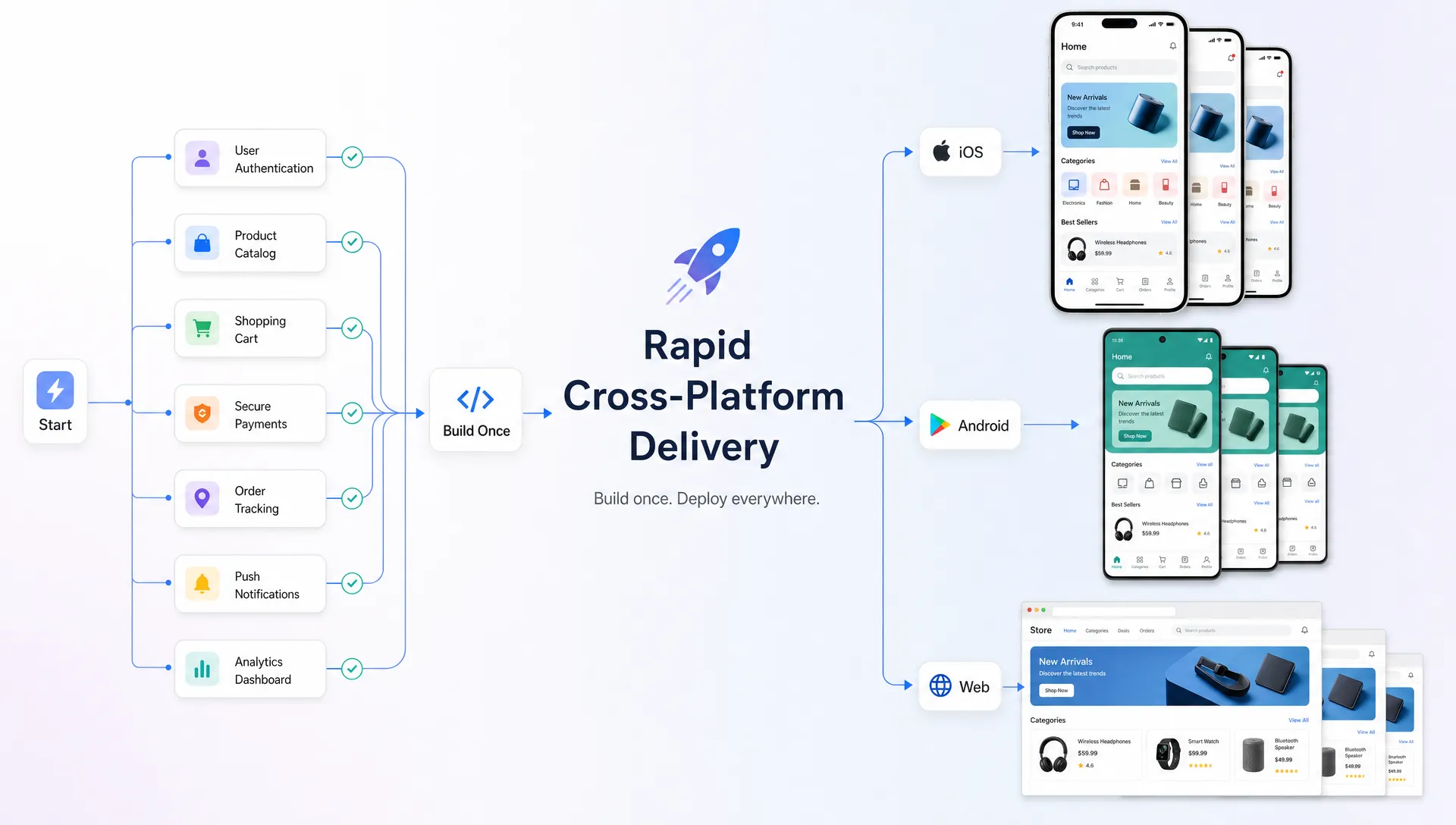

To develop a cross-platform mobile app faster, you need more than a framework that can ship to iOS and Android from one codebase. Speed comes from reducing uncertainty, cutting the first version down to its strongest use case and making technical decisions that do not create expensive cleanup later.
For a startup founder or small business owner, that usually means one thing: launch the smallest useful version that proves the product can work in the real world. Not the smallest app possible, and not a rough prototype that breaks under normal use, but a focused MVP that users can actually try, staff can actually operate and investors or stakeholders can actually evaluate.
Cross-platform development can help because it avoids building two separate apps from scratch. But it only becomes truly fast when your product scope, design system, backend and review process are all set up for speed.
Start by defining the one outcome the app must deliver
Most slow app projects do not start slowly because of code. They start slowly because the team is building too many ideas at once.
Before choosing Flutter, React Native or any other technology, define the one outcome your first version needs to create. For a field service company, that might be letting technicians receive jobs and upload completion photos. For a clinic, it might be patient intake before an appointment. For a fitness startup, it might be helping users follow a simple workout plan and track completion.
A practical first step is the same product discipline covered in building a mobile app that users want: identify the user problem, validate that it matters and turn it into a clear MVP instead of a bloated wish list.
A faster brief usually answers these questions in plain language:
-
Who is the first user group this app is for?
-
What task should they complete in the first session?
-
What data does the app need to capture, display or send?
-
What would make the first version successful after 30 days?
-
Which features are nice to have but not required for launch?
If you cannot answer those questions, development will stall during design, data modeling or feedback rounds. If you can, a developer can move much faster because every screen and feature has a reason to exist.
Choose cross-platform for the right kind of speed
Cross-platform frameworks are best when your app has a shared experience across iOS and Android. That includes dashboards, booking flows, forms, messaging, learning tools, fitness tracking, internal operations apps and many social or marketplace MVPs.
Flutter and React Native are two common options. Both can be used to create mobile apps for iOS and Android with a shared codebase, but the fastest choice depends on your product, future roadmap and the developer or team building it.
Here is a simple way to think about the decision:
| Decision factor | Faster cross-platform fit | Possible reason to slow down and use more native work |
|---|---|---|
| Core experience | Forms, feeds, profiles, booking, chat, media display or tracking | Heavy device-specific functionality or advanced native UI behavior |
| MVP goal | Validate demand on both iOS and Android | Build a deeply platform-specific experience first |
| Budget | One shared product team or one freelance developer | Separate iOS and Android teams are already funded |
| Timeline | Launch a focused MVP in weeks | Spend months perfecting platform-specific details |
| Maintenance | Keep one main codebase moving quickly | Maintain two separate apps with separate release cycles |
Cross-platform does not remove every native concern. Push notifications, payments, health data, Bluetooth, camera behavior, background tasks and app store requirements can still require careful platform-specific handling. The advantage is that most of the interface and business logic can be built once, then adapted where needed.
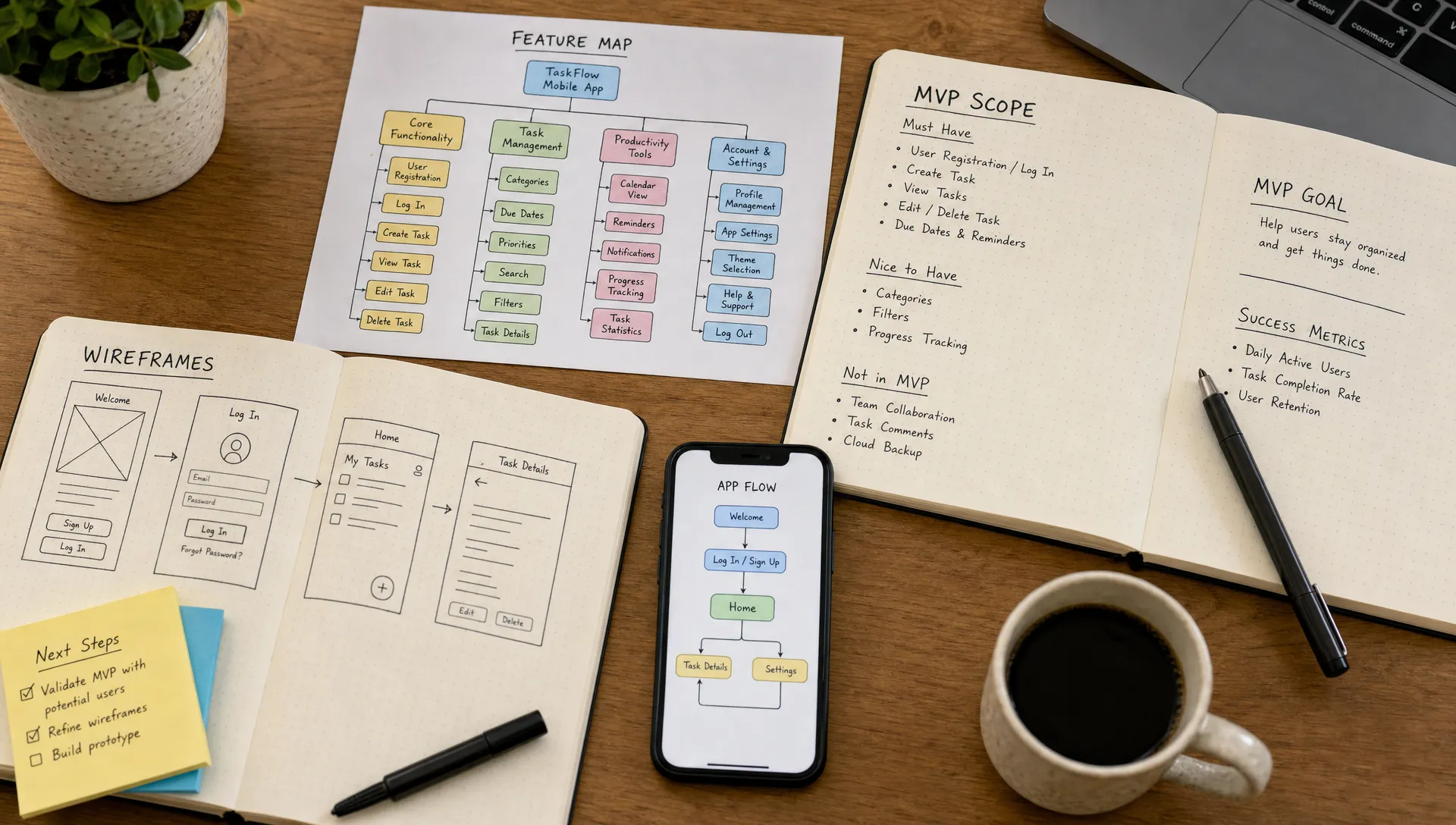
Cut scope with a launch-first feature map
If you want to develop a cross-platform mobile app quickly, every feature should earn its place in version one. The goal is not to reject good ideas. It is to place them in the right release.
A launch-first feature map separates what the app must do on day one from what can wait until real users prove it is worth building. This matters because small features often carry hidden costs. A simple admin setting may need a new data model, role permissions, UI states, QA checks and documentation. Multiply that by 20 “small” features and your 6 week MVP becomes a 4 month project.
Use a table like this during planning:
| Feature category | Keep in version one when | Move to later when |
|---|---|---|
| User onboarding | It is needed to use the core workflow | It only collects marketing preferences |
| Authentication | Users need private accounts, saved progress or secure records | The first test can work with invite-only access |
| Payments | Revenue validation depends on real transactions | You can invoice manually during the pilot |
| Push notifications | They are central to the app habit or operational workflow | Email or SMS can handle the first test |
| Admin tools | Staff must manage real users, jobs or content | A developer can safely handle early updates manually |
| Analytics | You need to measure activation, retention or conversion | You are not ready to act on the data yet |
This kind of mapping is especially useful for non-technical founders because it turns scope decisions into business tradeoffs. Instead of asking “Can we build this?”, you ask “Does this need to exist before launch?”
Design fewer screens with reusable patterns
Fast cross-platform development depends on reusable interface patterns. If every screen has a custom layout, custom buttons, custom form behavior and custom error states, development slows down even when the app looks simple.
A better approach is to create a small design system for the MVP. That can include shared buttons, input fields, cards, navigation patterns, loading states, empty states and confirmation messages. Once those pieces are built, new screens can be assembled faster with more consistent behavior.
For local businesses and operations-heavy apps, this is often enough. A job detail screen, customer record, appointment form and status update flow may all use the same underlying components. For a startup MVP, the same principle applies to onboarding, profiles, content cards and progress screens.
Do not confuse design speed with careless design. A messy user experience creates more support requests and more revision cycles. The fastest design is usually simple, consistent and obvious.
Pick the simplest backend that can safely support the MVP
The backend is where many mobile app timelines quietly expand. Founders often think mostly about screens, but every app also needs data storage, authentication, permissions, file handling, notifications and sometimes admin workflows.
For many MVPs, a managed backend or backend-as-a-service can be faster than building everything from scratch. Tools such as Firebase or Supabase can speed up authentication, databases, file storage and serverless functions when they fit the project. A custom backend may still be the better choice if the app has complex business logic, integrations, compliance requirements or long-term scaling needs.
The fastest backend choice is not always the cheapest on day one. It is the option that lets you launch safely without boxing the product into a corner. A good developer should be able to explain what is being optimized: speed, cost, control, compliance or future flexibility.
Do compliance and security planning early, not at the end
Healthcare, wellness, education and field service apps often handle sensitive data. If your product stores protected health information, patient intake details, location history, messages or personal records, security cannot be treated as a final polish task.
For healthcare software in the United States, HIPAA compliance may apply depending on the app, users, data and business relationships involved. The HHS HIPAA Security Rule guidance outlines safeguards for electronic protected health information. For products serving users in the European Union or handling EU personal data, GDPR principles such as data minimization and privacy by design matter from the beginning. The GDPR’s Article 25 on data protection by design and by default is a useful reference point.
Early planning can actually make development faster because the team avoids reworking architecture later. Decide what data you truly need, who can access it, how long it should be stored, what should be encrypted and what audit or consent requirements may apply. For regulated products, bring in qualified legal or compliance guidance before launch.
Work in weekly milestones instead of one big deadline
A fast MVP needs a tight feedback loop. Waiting until the end to review the app is one of the easiest ways to lose weeks. Weekly milestones keep the project moving and make problems visible while they are still small.
A focused cross-platform MVP can often follow a schedule like this, though regulated apps, complex integrations or unclear requirements may need more time:
| Timeline | Main goal | Founder involvement |
|---|---|---|
| Week 1 | Confirm scope, user flows, technical plan and first designs | Approve priorities and provide content, examples or business rules |
| Week 2 | Build core screens, navigation and data structure | Review early app flow and catch missing requirements |
| Week 3 | Connect backend, authentication and main workflow | Test realistic scenarios and provide fast feedback |
| Week 4 | Add key integrations, QA fixes and beta build preparation | Test on real devices and confirm launch criteria |
| Weeks 5 to 6 | Polish, edge cases, store assets, submission and pilot feedback | Approve final changes and plan post-launch improvements |
The exact timeline depends on scope, but the principle is consistent: review working software early. Screens are helpful, but a clickable build reveals friction that mockups miss.
Reduce approval delays with better founder feedback
Even a strong developer cannot move quickly if every decision waits several days. The founder or business owner has a major role in speeding up the project.
Good feedback is specific, timely and tied to user outcomes. Instead of saying “make the dashboard better,” explain what the user needs to understand faster. Instead of adding a new feature mid-build, clarify whether it is required for the first pilot or belongs in the next release.
Use one central place for feedback, whether that is a project board, shared document or issue tracker. Scattered comments across email, text messages and call notes create confusion and duplicate work.
A simple feedback rhythm works well:
-
Review the latest build on the same day it is shared.
-
Report bugs with the device, screen, steps and expected result.
-
Separate bugs from feature requests.
-
Approve completed work quickly when it meets the agreed scope.
-
Keep new ideas in a post-launch list unless they are blocking release.
This is not bureaucracy. It is how small teams protect momentum.
Build quality into the process instead of fixing everything later
Fast development should not mean fragile development. A rushed app with broken login, confusing navigation or unreliable data sync will cost more after launch.
Quality starts with clear acceptance criteria. For each core workflow, define what must happen for the feature to count as done. For example, a booking flow may need to show available times, prevent double booking, send confirmation and display the appointment in the user profile. That definition gives the developer and tester a shared target.
For an MVP, testing should focus on the paths that matter most:
-
First-time onboarding and login
-
Core action completion, such as booking, submitting, tracking or messaging
-
Empty states, error states and slow network behavior
-
Permissions for camera, location, notifications or files
-
Basic checks on both iOS and Android devices
-
App store readiness, including privacy labels and required assets
Automated tests, reusable components and clean code can also save time after launch. If the first version is built with a sensible structure, adding features later is much faster than rewriting rushed code.
Prepare app store assets before development is finished
App store submission can become a surprise bottleneck. Apple and Google both require product information, screenshots, privacy details and policy compliance. If you wait until the build is ready to prepare these materials, launch can stall for reasons that have nothing to do with coding.
Plan store assets while the app is in QA. Prepare the app name, short description, full description, support URL, privacy policy, screenshots and test account details if reviewers need access. For apps that collect personal data, make sure privacy disclosures match what the app actually does.
This is also a good time to plan your first release audience. Many MVPs should launch first with a small pilot group rather than a large public announcement. A controlled pilot helps you identify onboarding issues, missing edge cases and user confusion before you spend money on marketing.
Know what not to rush
Some parts of an app can be accelerated. Others should be handled carefully because mistakes become expensive.
Do not rush the data model if your app depends on saved history, reporting, permissions or future analytics. Do not rush security if the app handles health, financial, location or personal data. Do not rush onboarding if users need to understand a new behavior. Do not rush the main workflow, since that is the reason the app exists.
The better approach is to simplify these areas rather than skip them. Collect less data. Support fewer roles. Launch with one payment method. Build one strong workflow instead of five weak ones. You still move faster, but you avoid cutting the parts that make the product trustworthy.
Hire for product judgment, not just coding speed
If you are hiring a developer, look for someone who can help you reduce scope, choose practical technology and protect the launch timeline. Raw coding speed matters, but product judgment often saves more time.
A strong mobile developer should ask about your users, business model, compliance needs, launch goals and future roadmap before writing code. They should also explain tradeoffs in language you can understand. If you are comparing options, this guide on choosing a mobile app developer for your startup can help you evaluate the right fit.
Budget also affects speed. A tiny budget can force shortcuts that slow the project later, while an oversized first version can burn months before you learn anything useful. If your first release is iOS-focused before expanding cross-platform, it may also help to understand what founders should budget for iOS app development.
Build faster without building the wrong thing
Speed matters, especially when you are validating a startup idea or moving a small business away from paper-based operations. But the best way to develop a cross-platform mobile app faster is not to skip planning. It is to plan tightly, build only what the first release needs, and keep the feedback loop short.
If you need help turning an app idea into a focused iOS and Android MVP, I am available for cross-platform mobile app development with a focus on clean code, strong user experience, and fast MVP delivery. You can see my work or book a consultation to discuss your app, timeline, and first launch scope.