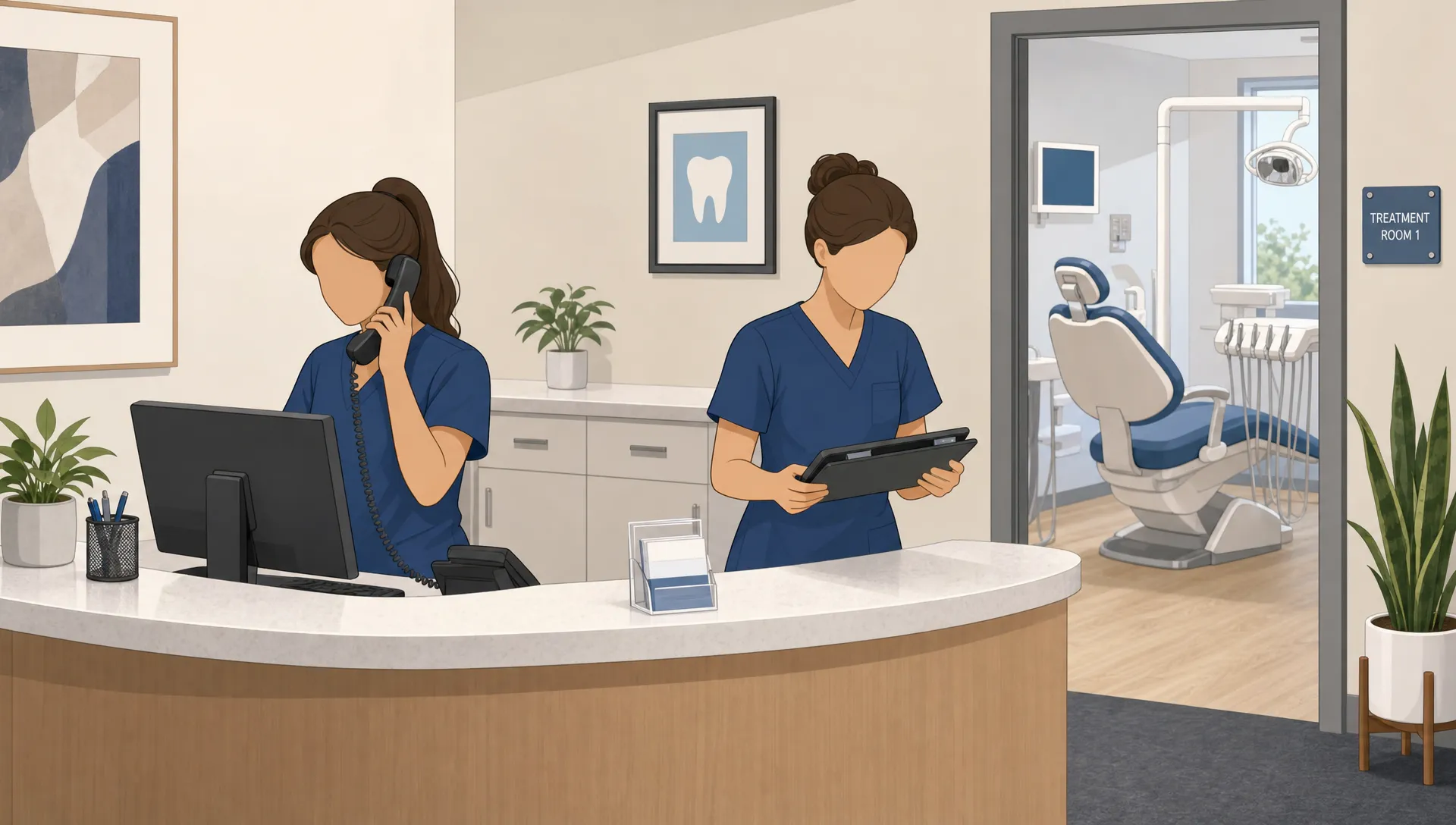

Every unanswered call can become a lost new patient, a delayed treatment plan or a frustrated existing patient who expected quick help. An AI receptionist for dental practice operations gives your front desk a second layer of coverage, so calls are answered, categorized and routed even when staff are busy with patients in the office.
For dental practices, the phone is still one of the highest intent channels. People call when they have pain, need a cleaning, want to ask about insurance or are comparing local dentists before booking. If that call goes to voicemail, many will simply call the next practice on Google Maps.
An AI receptionist does not replace a warm human front desk. It handles the repetitive first step of call intake, captures the details staff need and makes sure no caller disappears because the team was in the middle of check-in, treatment coordination or billing.
Why missed calls hurt dental practices more than they seem
Missed calls are easy to underestimate because they do not always show up as a visible loss. A missed call is not only a ring that went unanswered. It can be a crown consultation that never booked, a hygiene patient who forgot to reschedule or a same-day emergency that chose another office.
Dental teams also face call spikes at predictable times. Monday mornings, lunch hours, end-of-day windows and post-holiday openings can overwhelm even a strong front desk. During those peaks, staff may be answering phones, greeting patients, verifying benefits and handling payments at the same time.
A well configured AI receptionist for dental practice call capture can reduce that pressure by answering promptly, gathering structured information and letting staff respond based on urgency instead of digging through voicemails.
What an AI receptionist for dental practice call handling actually does
An AI receptionist answers inbound calls using natural voice conversation, not a traditional phone tree that forces callers to press buttons. For a dental office, that usually means it can greet callers, ask why they are calling and collect the right information before handing the interaction to staff or another system.
The simplest version captures caller name, phone number, reason for calling and preferred callback time. More advanced workflows can help with appointment requests, cancellation capture, rescheduling requests, new patient qualification and emergency routing.
The goal is not to make the phone experience feel robotic. The goal is to give every caller a response and give your staff a clear next action. That matters because dental callers often have a specific need and limited patience.
Common call types an AI receptionist can capture
For new patients, an AI receptionist for dental practice workflows can ask whether they are looking for a cleaning, emergency visit, cosmetic consultation or a specific treatment. It can also capture insurance details in a limited, secure way if your compliance setup supports it.
For existing patients, it can record cancellation notices, reschedule requests, prescription-related questions, post-treatment concerns and billing questions. Calls that need clinical judgment should be escalated rather than answered definitively by automation.
| Call type | What the AI can capture | Best next step |
|---|---|---|
| New patient inquiry | Name, phone, reason for visit, preferred days | Front desk confirms fit and books |
| Dental emergency | Symptoms, timing, callback number | Route urgently to staff or on-call process |
| Cleaning request | Patient status, preferred time, contact details | Offer booking flow or staff follow-up |
| Cancellation | Patient name, appointment date, reason | Update schedule and trigger waitlist outreach |
| Insurance question | Plan name and callback details | Staff verifies benefits before responding |
How it helps capture more calls after hours
A large share of high intent dental calls happen outside normal business hours. A parent may call after work to schedule a child’s cleaning. A patient with tooth pain may call at night. A new mover may search for a dentist on Sunday and call the first practice with good reviews.
Voicemail can technically receive those calls, but it creates friction. Many callers do not leave detailed messages, and some do not leave a message at all. An AI receptionist can keep the conversation going by asking for the reason for the call and setting expectations about the next response.
The value of an AI receptionist for dental practice teams is especially clear when your marketing is working. If you are paying for local SEO, Google Ads or referral campaigns, after-hours calls are part of that investment. Capturing them protects the demand you already generated.
Where AI fits in the dental front desk workflow
The best deployments treat AI as front desk support, not a separate system that creates more admin work. The receptionist should send clean summaries to the team, route urgent calls appropriately and fit the way your practice already handles scheduling.
If you want a broader look at how call automation works beyond dentistry, this guide to automated phone answering for small businesses explains the core expectations around answering, routing and lead capture.
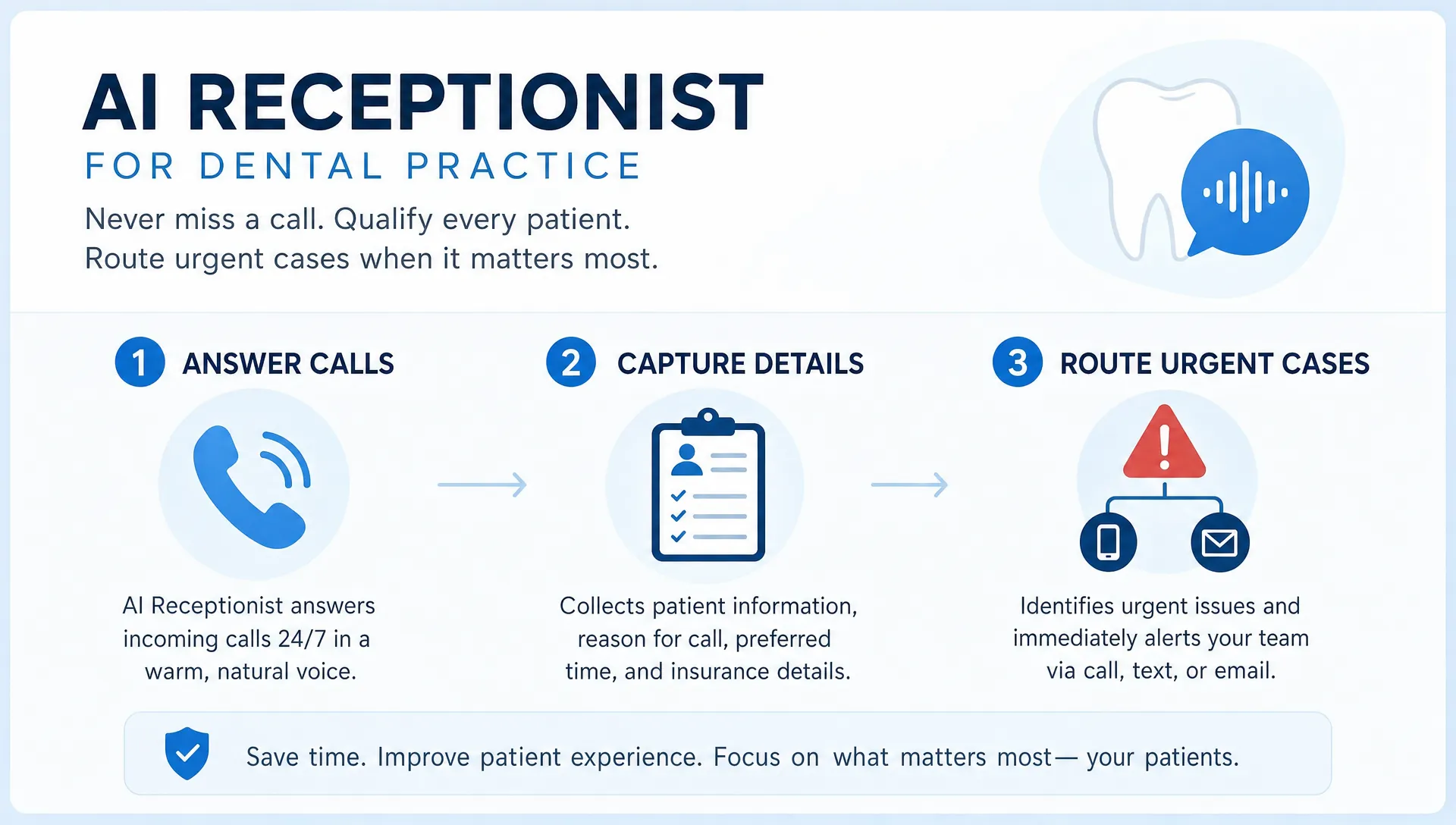
For dental offices, the practical workflow often looks like this:
- The call comes in when staff are busy, unavailable or after hours.
- The AI receptionist greets the caller and identifies the reason for the call.
- The system captures structured details and flags urgency.
- Staff receive a concise summary through the agreed channel.
- The team calls back, confirms the appointment or handles escalation.
This gives staff fewer vague voicemails and more actionable call records. It also lets the practice prioritize same-day pain cases, new patient opportunities and time-sensitive schedule changes.
Compliance and patient trust need to be designed in
Before using an AI receptionist for dental practice communication, compliance has to be part of the plan. Dental practices in the United States may need to consider HIPAA when protected health information is collected, stored or transmitted. The HHS HIPAA Privacy Rule explains the federal standards for protecting certain health information.
A safe implementation should define what the AI is allowed to ask, where call transcripts or summaries are stored, who can access them and how long data is retained. If the system handles protected health information, vendor agreements and safeguards need to be reviewed by the practice’s compliance lead or legal advisor.
For practices serving patients in the EU or UK, GDPR considerations may also apply. The European Commission’s data protection overview is a useful starting point for understanding personal data obligations.
AI should not give clinical advice
A dental AI receptionist should not diagnose pain, recommend medication or tell patients whether a symptom is serious. It can collect the caller’s concern and route the case according to your protocol.
For example, if someone calls about swelling, severe pain, bleeding or trauma, the system can mark the call as urgent and direct the caller to the appropriate office process. That might mean an immediate staff alert, an on-call number or instructions to seek emergency care when your practice policy requires it.
What to automate first in a dental practice
You do not need to automate every call type on day one. The smartest starting point is usually the highest volume or highest leakage workflow. For many dental offices, that means missed new patient calls, after-hours inquiries or routine scheduling requests.
When an AI receptionist for dental practice call handling is connected to a clear workflow, it becomes much easier to measure results. You can compare missed calls, captured inquiries, booked appointments and callback times before and after launch.
Good first workflows include new patient intake, missed call follow-up, cancellation capture, hygiene recall responses and urgent call routing. Complex billing disputes, clinical questions and sensitive complaints are better left to staff, with AI only collecting enough information to route the call.
If your practice is not sure where automation would have the biggest impact, an AI audit for startups and small businesses can help map current processes and identify practical opportunities before you invest in a build.
How to connect it with booking and follow-up
Call answering is only one part of the patient capture process. The real value comes from what happens after the call. If the AI captures a new patient lead but no one follows up until two days later, the practice still loses momentum.
Some offices start with human review, where staff receive summaries and manually call back. Others connect the receptionist to scheduling workflows, calendars or practice management tools such as Dentrix, Eaglesoft or Open Dental, depending on technical feasibility and compliance requirements.
The best use of an AI receptionist for dental practice owners is a workflow that matches staff capacity. A solo practice may only need clean call summaries and priority flags. A multi-location group may need routing by office, treatment type and provider availability.
I also cover the broader scheduling side in this article on how AI voice agents book appointments for service businesses, which is useful if you are thinking beyond call capture into confirmed bookings.
Metrics to track after launching
An AI receptionist should be measured like any operational investment. The goal is not just to say that calls were answered. The goal is to see whether more valuable patient opportunities were captured and handled faster.
Track simple numbers first. How many calls were answered by AI? How many were new patient inquiries? How many after-hours calls turned into callbacks or booked visits? How many urgent calls were routed correctly?
You can also review call summaries for quality. Are the notes clear enough for staff? Are callers being asked too many questions? Are urgent issues flagged consistently? These operational details matter more than novelty.
When a custom AI receptionist makes sense
Off-the-shelf phone answering tools can be useful, but dental practices often have workflow details that generic systems do not understand. Your office may handle emergencies in a specific way, offer different treatments by location or require certain intake questions for new patients.
A custom AI receptionist for dental practice workflows makes sense when call handling is tied closely to revenue, patient experience or compliance. It also makes sense when you want the voice agent to work alongside a mobile app, patient portal, CRM or internal dashboard.
For non-technical founders or practice owners, the key is to start with one clear outcome. Do not begin with “we need AI.” Begin with “we miss 30 calls a week and want every new patient inquiry captured within one minute.” That makes the project easier to scope, build and measure.
Ready to capture more dental calls?
If your dental practice is losing calls because staff are overloaded, an AI receptionist can turn missed rings into structured opportunities for follow-up, booking and better patient service.
I build AI automation and app solutions for startups and small businesses, with a focus on clean implementation and practical workflows. If you want to explore whether an AI receptionist fits your dental office, you can book a consultation call and start with a focused workflow rather than a complicated AI project.