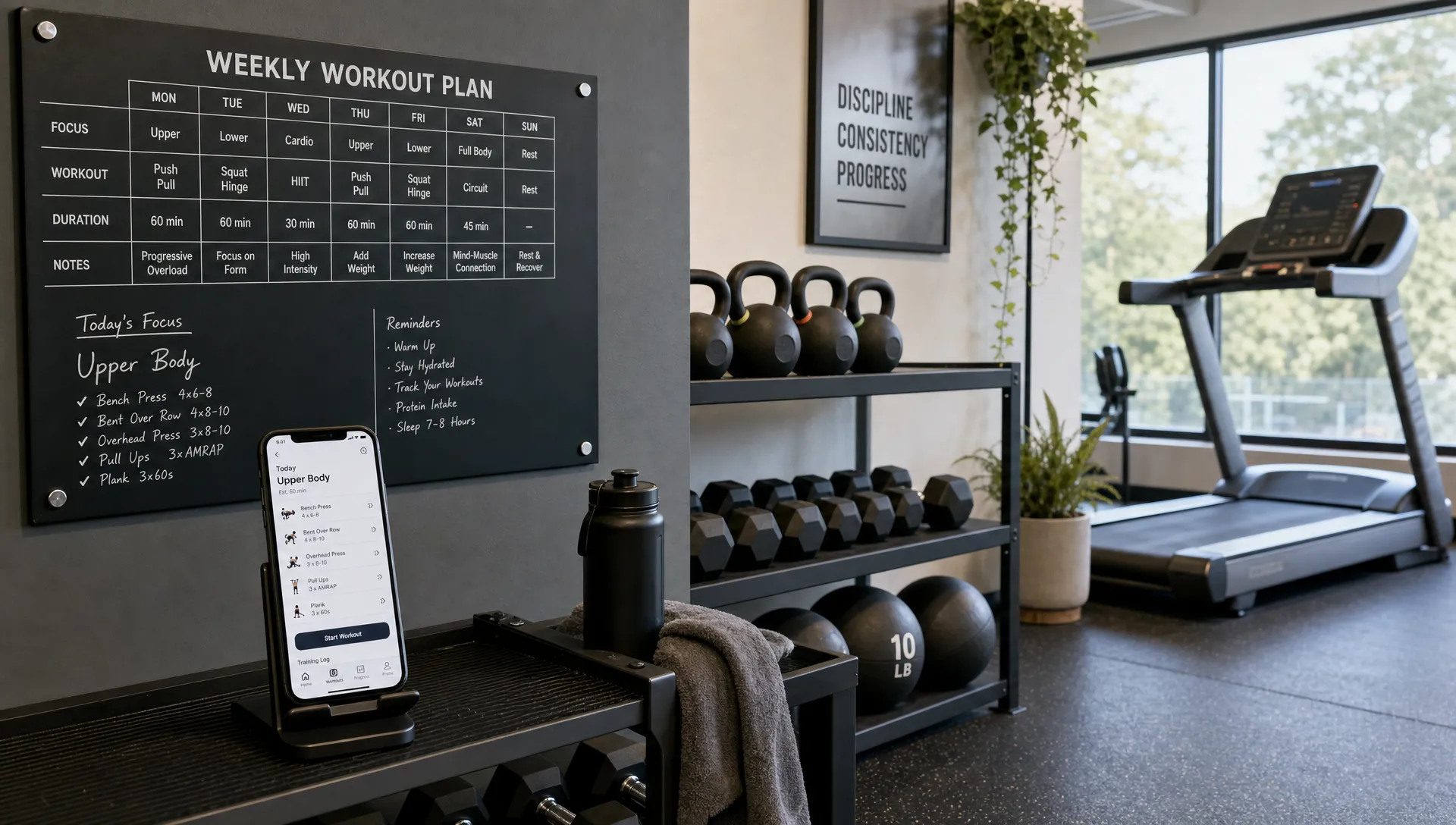

A fitness app sounds simple until you start planning the product. Users want workouts, progress tracking, reminders, personalization, clean design and maybe integrations with Apple Health, Google Health Connect or a smartwatch. Founders also need a product that can be built without burning months on features nobody uses.
That is why the best fitness app ideas start with a clear user journey. What does the user want to achieve? What will they do in the app every day or every week? What data do they need to trust the process? If you can answer those questions, the feature list becomes much easier to prioritize.
For a first version, the goal is not to copy every major fitness platform. The goal is to build a focused MVP that helps one type of user get one meaningful outcome, then improve it based on real behavior. If you are still shaping the concept, this guide on building a mobile app that users want is a useful companion before you write a full feature brief.
Below are the 11 features every great fitness app needs in 2026, with practical notes on what belongs in version one and what can wait.
| Feature | Why it matters | MVP approach |
|---|---|---|
| Goal-based onboarding | Makes the app feel relevant from the first session | Ask only the questions needed to personalize the experience |
| User profile | Stores preferences, constraints and progress context | Keep profile setup short and editable |
| Workout library | Gives users something valuable to do | Start with a curated set of plans |
| Activity logging | Turns workouts into measurable behavior | Make logging fast and low-friction |
| Nutrition and food tracking | Connects effort with the other half of most fitness goals | Add only if it supports the app’s core promise |
| Progress insights | Helps users see results and stay motivated | Show simple trends before advanced analytics |
| Smart reminders | Builds consistency | Send timely, user-controlled notifications |
| AI-driven personalization | Adapts plans to real performance instead of a fixed script | Start with rule-based logic before building full AI coaching |
| Accountability | Adds human motivation | Use coaching, groups or challenges where relevant |
| Health integrations | Reduces manual input | Add only the integrations your audience expects |
| Secure accounts and admin | Supports trust and business operations | Build clean foundations early |
1. Goal-based onboarding that feels personal
Onboarding is the first fitness feature users experience, but many apps make it too long. A strong onboarding flow collects enough information to shape the experience without feeling like paperwork.
For most fitness apps, useful onboarding questions include the user’s goal, current activity level, preferred workout style, available equipment, schedule and any limitations they want the app to consider. A beginner trying to build a walking habit needs a different experience than someone training for hypertrophy or a local gym member following coach-assigned workouts.
The key is restraint. Ask only what changes the app experience. If the answer does not affect recommendations, reminders or the workout plan, it probably does not belong in the first session. You can always collect more context later, once the user has received value.
A good MVP onboarding flow might take under two minutes and end with a clear next step: start today’s workout, view a plan or set a weekly target.
2. A user profile that adapts over time
A profile is more than a place to store a name and photo. In a fitness app, the profile becomes the user’s training context. It can include goals, preferences, body metrics, training history, accessibility needs, subscription status and coach assignments.
For founders, the profile also determines how flexible the app can become later. If you eventually want personalized workout plans, progress comparisons or coach dashboards, you need structured user data from the beginning.
That does not mean you need a complex profile page in V1. Start with the minimum profile fields required for the core experience. Make them easy to edit because fitness goals change. A user might start with fat loss, then shift to strength. Someone recovering from an injury may need to change workout intensity. The app should not lock them into a stale setup.
3. A workout library with structured plans
The workout library is often the heart of a fitness app. It is where users browse exercises, follow routines and understand what to do next. A great library is not just a database of random exercises. It is organized around user intent.
Useful categories might include beginner routines, home workouts, gym plans, mobility sessions, running programs, strength training or short workouts under 20 minutes. The right categories depend on your audience. A boutique studio app may need class-based programs, while a personal trainer app may need assigned workouts for individual clients.
For an MVP, quality beats quantity. Ten well-designed workouts with clear instructions are better than 200 exercises with inconsistent naming, missing images and no structure. Each workout should explain what it is for, how long it takes, what equipment is needed and how difficult it is.
If your product uses video, keep performance in mind. Large media files can slow the app down and increase infrastructure complexity. For a first release, you might start with concise exercise descriptions, images or short clips, then expand to richer content when usage proves demand.
4. Fast activity logging
Logging is where many fitness apps lose users. If recording a workout takes longer than the workout itself, people stop doing it.
A strong fitness app makes logging feel almost invisible. Users should be able to record completed workouts, sets, reps, weight, distance, duration, perceived effort or habit completion with minimal taps. If the app is for beginners, completion might matter more than detailed metrics. If it is for serious lifters, set-level tracking may be essential.
Good logging design also includes smart defaults. If a user did three sets of an exercise last week, the app can pre-fill that structure for the next session. If someone usually trains Monday, Wednesday and Friday, the app can make those days easier to access.
The MVP question is simple: what is the smallest amount of data the app needs to help the user improve? Track that first. Avoid adding every possible metric until you know users actually need it.
5. Nutrition and food tracking
Most fitness goals are not won by exercise alone, and users know it. A weight loss, body recomposition or general health app that ignores nutrition is only addressing half the problem, which is why nutrition logging shows up as a core feature in most competing fitness products, not an optional add-on.
That does not mean every fitness app needs a full food database with barcode scanning and macro breakdowns from day one. The right depth depends on the app’s promise. A strength or gym-scheduling app can often skip nutrition entirely without weakening its core loop. A weight loss, coaching or GLP-1-adjacent wellness app usually cannot.
For an MVP, a lightweight version works well: quick meal or calorie logging, a simple daily target, and enough structure to connect nutrition data to the same progress view as workouts. The goal is not to replace a dedicated nutrition app. It is to give users one place to see the two inputs, movement and food, that actually drive their result.
6. Progress tracking that users can understand
Progress is one of the biggest reasons people keep using a fitness app. Users want proof that their effort is working, but progress is not always linear. A useful app helps users see meaningful signals without overwhelming them.
For many products, progress tracking can include workout streaks, completed sessions, total volume, personal records, body measurements, weight trends, distance covered or consistency over time. The best metric depends on the promise of the app. A habit-building app should emphasize consistency. A strength app should show performance improvements. A running app should show pace, distance and endurance trends.
Avoid dashboards that look impressive but do not guide action. A simple chart that shows the user completed 11 workouts this month may be more motivating than a dense analytics screen. Pair insights with plain-language interpretation, such as “You trained 3 times per week for the last 4 weeks” or “Your average session length increased by 12 minutes.”
7. Smart reminders and habit loops
Fitness results depend on consistency, so reminders are not a small add-on. They are part of the behavior design. The problem is that generic push notifications get ignored quickly.
A better reminder system is tied to user intent and schedule. If someone chooses evening workouts, the app should not send a 6 a.m. alert. If a user misses two planned sessions, the app can suggest a shorter recovery workout instead of making them feel behind.
Useful habit loops often include scheduled reminders, streaks, weekly goals and small moments of positive feedback. These features work best when they support the user rather than pressure them. Let users control notification frequency, quiet hours and reminder types.
Retention-focused features matter across many app categories, but they are especially valuable in fitness because motivation fluctuates. If you want to go deeper on repeat usage patterns, this article on companion app features that keep users coming back covers onboarding, reminders, progress history and other engagement mechanics in more detail.
8. AI-driven personalization
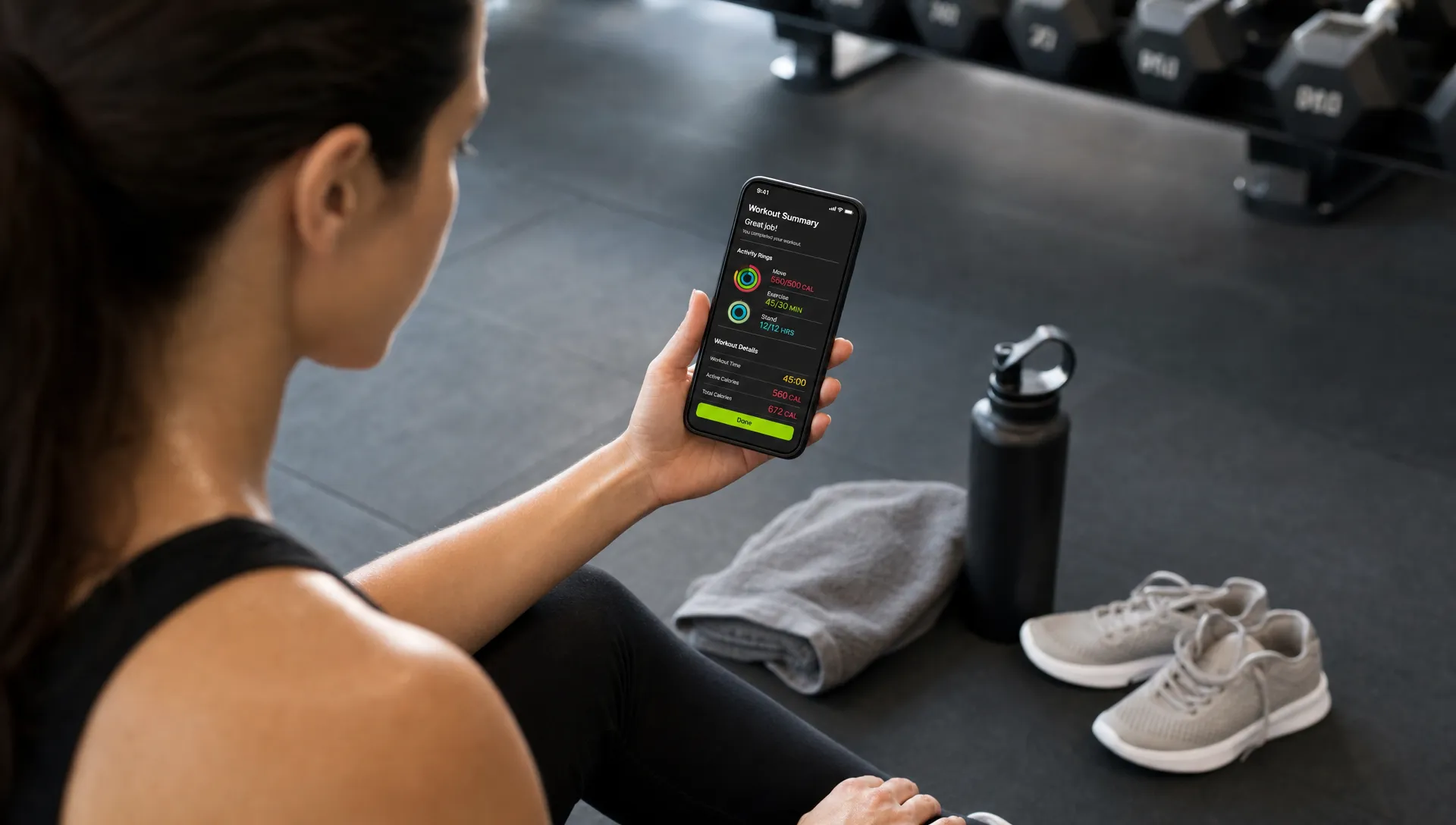
Static workout plans are no longer the bar. Users increasingly expect a fitness app to adjust based on what they actually do, not just what they said in onboarding. If someone skips leg day three weeks in a row, or consistently under-performs a target pace, the app should notice and adapt rather than keep repeating the same fixed plan.
This does not require building a full AI coach for version one. A rule-based version gets most of the value: if a user misses a planned session, suggest a lighter one instead of the next step in sequence; if logged effort trends up, nudge intensity up too; if a user reports pain or fatigue, adjust before they quit. Real machine-learning-driven coaching can come later, once there is enough behavioral data to make it useful rather than gimmicky.
Personalization also matters for underserved segments that generic fitness apps tend to ignore, such as older adults, people training around mobility limitations, or users managing their fitness alongside a GLP-1 or other medication-supported weight program. A plan that assumes an able-bodied 25-year-old baseline will alienate a meaningful share of any general fitness audience.
9. Coaching, community or accountability
Many users do not only need information. They need accountability. That can come from a coach, a small group, a challenge, a friend or a community feed.
The right model depends on the business. A solo trainer might need client messaging, assigned plans and check-ins. A gym might need class groups and attendance. A consumer startup might use challenges, leaderboards or friend-based goals.
Community features can become expensive if you build them too early. Messaging, moderation, notifications and privacy controls add real complexity. For an MVP, consider a lightweight accountability feature first. Examples include weekly check-ins, coach notes, simple group challenges or shareable progress summaries.
If marketing and user acquisition are part of the launch plan, a fitness product also needs a way to reach the right audience outside the app. Some founders handle this internally, while others bring in outside marketing help once the core product is validated.
10. Wearable and health data integrations
Integrations can make a fitness app feel smarter because they reduce manual input. Users may expect step counts, heart rate, calories, sleep, workouts or body measurements to sync from services like Apple Health, Google Health Connect, Garmin, Fitbit or smart scales.
The mistake is adding integrations before you know which data matters. Every integration adds development work, testing requirements and edge cases. Permissions must be clear. Data can be incomplete. Different platforms structure health data differently.
For an MVP, choose integrations based on user expectations. A running app may need GPS and Apple Health support early. A gym workout tracker may not. A wellness app focused on recovery might benefit from sleep and heart rate data, but only if those metrics shape recommendations.
The more useful integrations connect data rather than just display it. A step count on its own is a number. A step count that lowers today’s workout intensity, or nutrition data that gets weighed alongside a user’s medication or activity trend, is what makes an integration feel like it is actually helping rather than decorating a dashboard.
When integrations are included, the user should understand what data is being requested and why. Trust is part of the feature. If a user grants access to sensitive health data, the app must handle it carefully and explain how that data improves the experience.
11. Secure accounts, subscriptions and admin controls
The user-facing app is only one side of the product. A great fitness app also needs operational foundations: secure accounts, reliable data storage, payment flows where relevant and admin tools for managing content or users.
For a paid fitness app, subscriptions, trial periods, receipts and cancellation handling must be planned early. For a trainer or gym app, admin controls might include creating workouts, assigning plans, editing exercises or reviewing client activity. For a marketplace-style fitness product, admin needs can become much broader.
Security matters because fitness apps may handle personal information, health-related data and payment details. Use proper authentication, avoid collecting unnecessary sensitive data and make privacy settings easy to understand. If the app supports coaches, staff or admins, access levels should be designed carefully so the wrong person cannot see private user information.
This is also where clean code pays off. A rushed backend or messy data model can slow every future feature. Founders often feel this pain after launch, when simple changes become expensive because the first version was not built with growth in mind.
What should be in your fitness app MVP?
Not every feature needs to be fully built for version one. A strong MVP includes enough functionality to deliver the core promise, then leaves room for learning. The right scope depends on your audience, business model and launch timeline.
For a non-technical founder, the most useful question is not “Can we build this?” It is “Does this feature help the first target user get the main result?” If the answer is unclear, simplify it or delay it.
| MVP priority | Build now | Improve later |
|---|---|---|
| Core user journey | Onboarding, workout access, logging and progress | Deep personalization and advanced analytics |
| Retention | Basic reminders and weekly goals | Adaptive coaching and complex habit systems |
| Monetization | Simple subscription or purchase flow if required | Promotions, bundles and advanced pricing tests |
| Admin | Basic content management | Multi-role dashboards and automation |
| Integrations | One essential platform integration if needed | Multiple wearables and third-party syncs |
A focused MVP is often the difference between launching in weeks and spending months polishing assumptions. If you are comparing platform choices, hiring options or build complexity, this guide on how to choose a mobile app developer for your startup can help you evaluate the development side before committing budget.
How much does a fitness app MVP cost?
Cost depends heavily on scope. A fitness app MVP with the core loop above, onboarding, a workout library, logging, progress and reminders, typically falls in the $5,000-$22,000 range. Where a specific build lands in that range comes down to a few things:
- Feature count – a lean core loop costs less than a build that also includes nutrition tracking, AI-driven personalization and coaching/community features from day one.
- Wearable integrations – each additional platform (Apple Health, Google Health Connect, a specific wearable brand) adds development and testing time.
- Design depth – a highly custom, animation-heavy UI costs more than a clean, functional one.
- Backend complexity – subscriptions, coach dashboards and multi-role admin access add real engineering time beyond the user-facing app.
The fastest way to stay near the lower end is to launch with the tightest version of the core loop, then add nutrition tracking, deeper personalization or community features once real usage shows which ones matter to your actual users.
Common mistakes to avoid
The most common mistake is building too broad. Fitness founders often want workouts, meal plans, AI coaching, community, payments, wearables and video content in the first release. That may be a future roadmap, but it is rarely the fastest path to validation.
Another mistake is ignoring content operations. If your app depends on fresh workouts or coach-led programs, someone needs to create, edit and maintain that content. The app should make that workflow manageable.
Finally, do not treat design as decoration. Fitness apps are used during movement, fatigue and time pressure. Buttons need to be easy to tap. Workouts need to be readable at a glance. Logging needs to be fast. A beautiful app that is awkward mid-workout will not survive long.
Ready to plan your fitness app MVP?
A great fitness app does not win because it has the longest feature list. It wins because it helps a specific user take action, stay consistent, and see progress.
If you are a founder, trainer, gym owner, or local business planning a fitness app, start with the 11 features above and decide what your first users truly need. I build cross-platform iOS and Android apps with a focus on clean code, strong user experience, and fast MVP delivery. You can see my work or book a consultation.